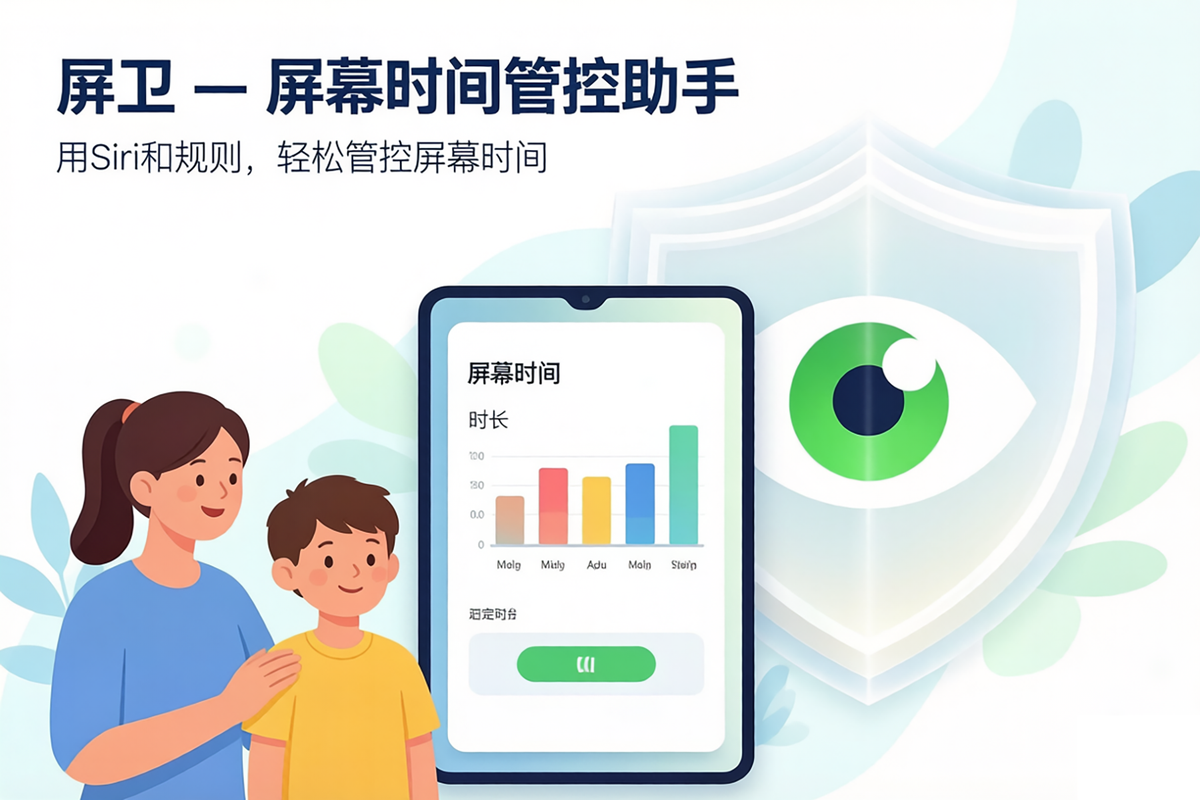
Remote authorization, secure control
Screen Guardian · ScreenTimeGuardian
A stable and reliable cross-device screen time tool built on the iOS ecosystem. Child wants more time? They request, parent approves remotely. Need instant control? One tap in the parent app locks and shields restricted apps. Built on Screen Time and Family Sharing — no gimmicks, real control.
Download on the App StoreScreenshots
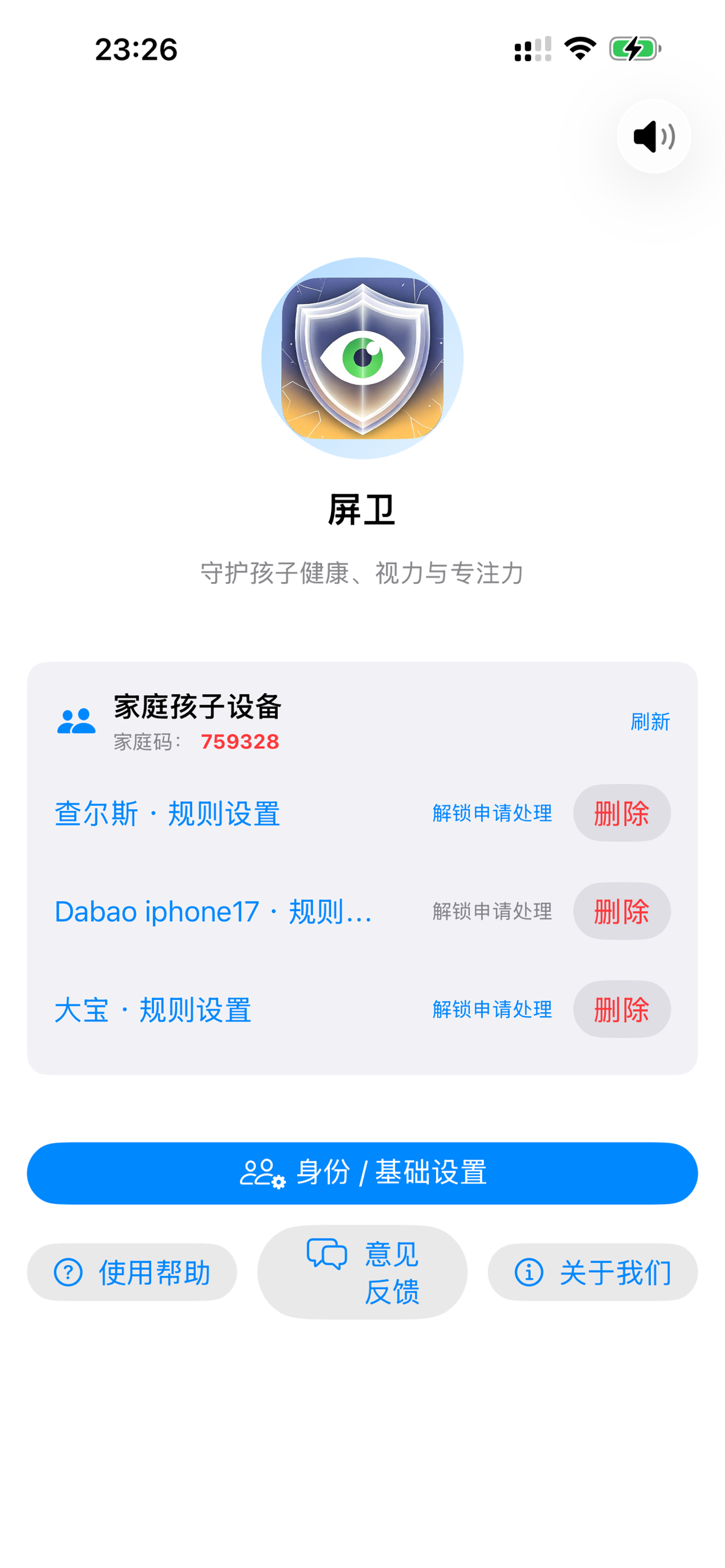
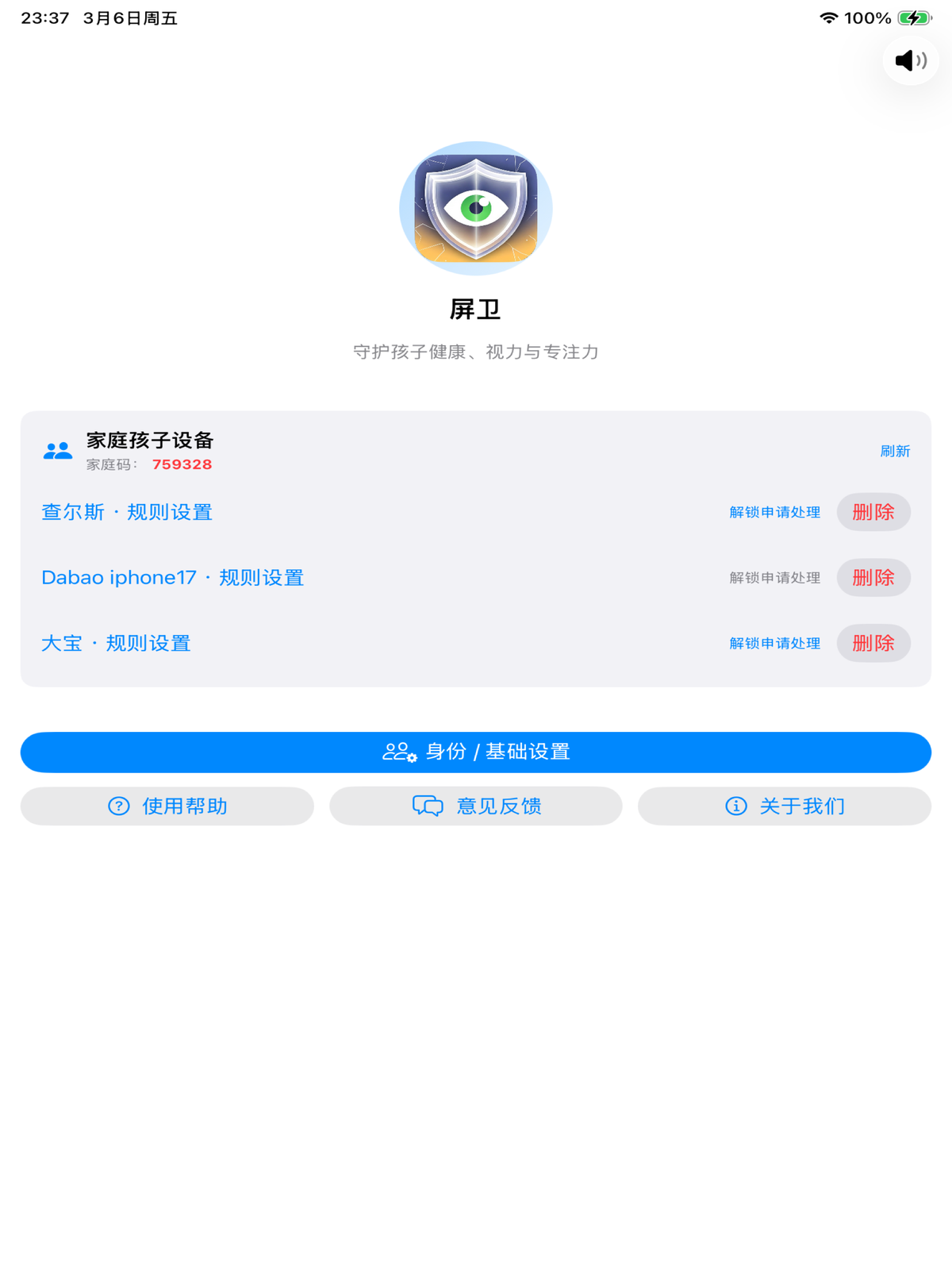
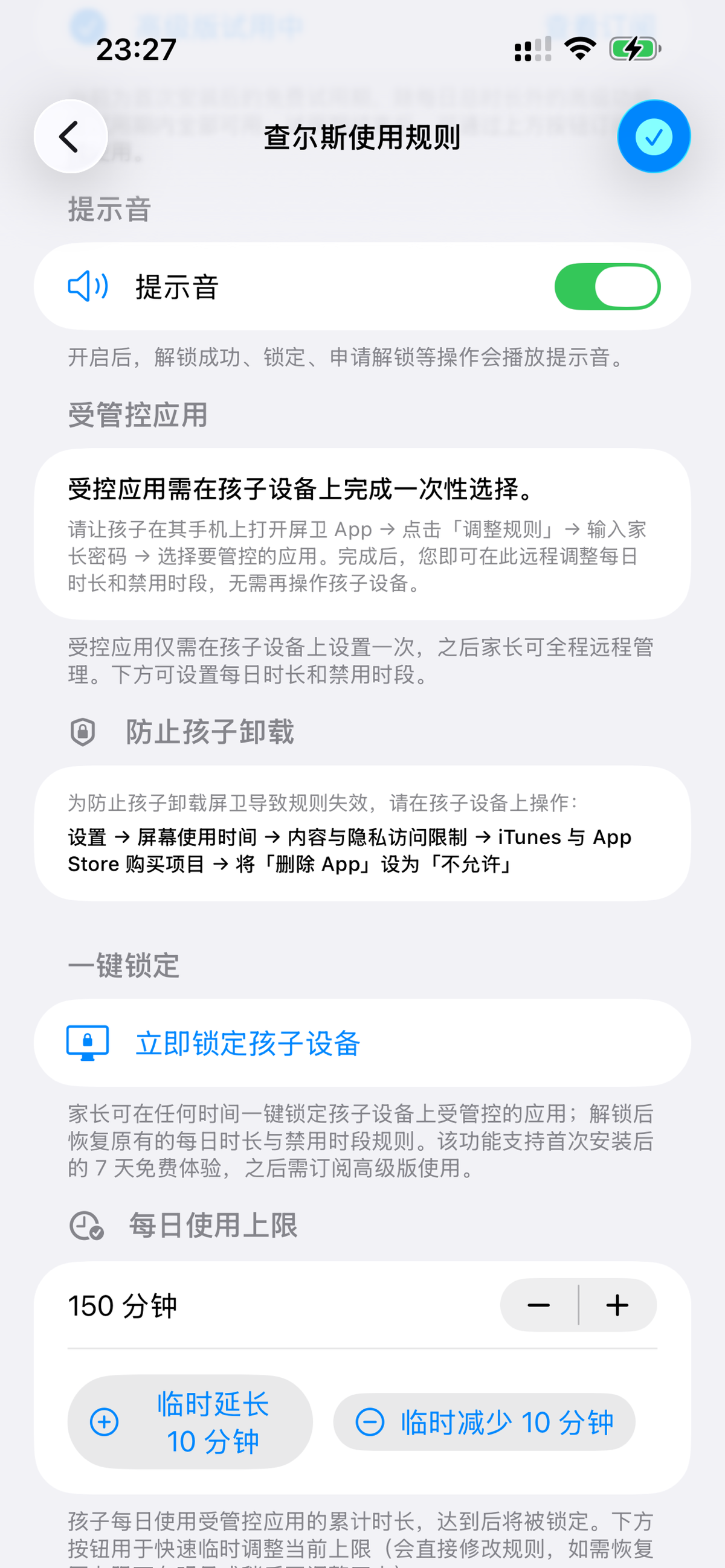
Parent View
Child View
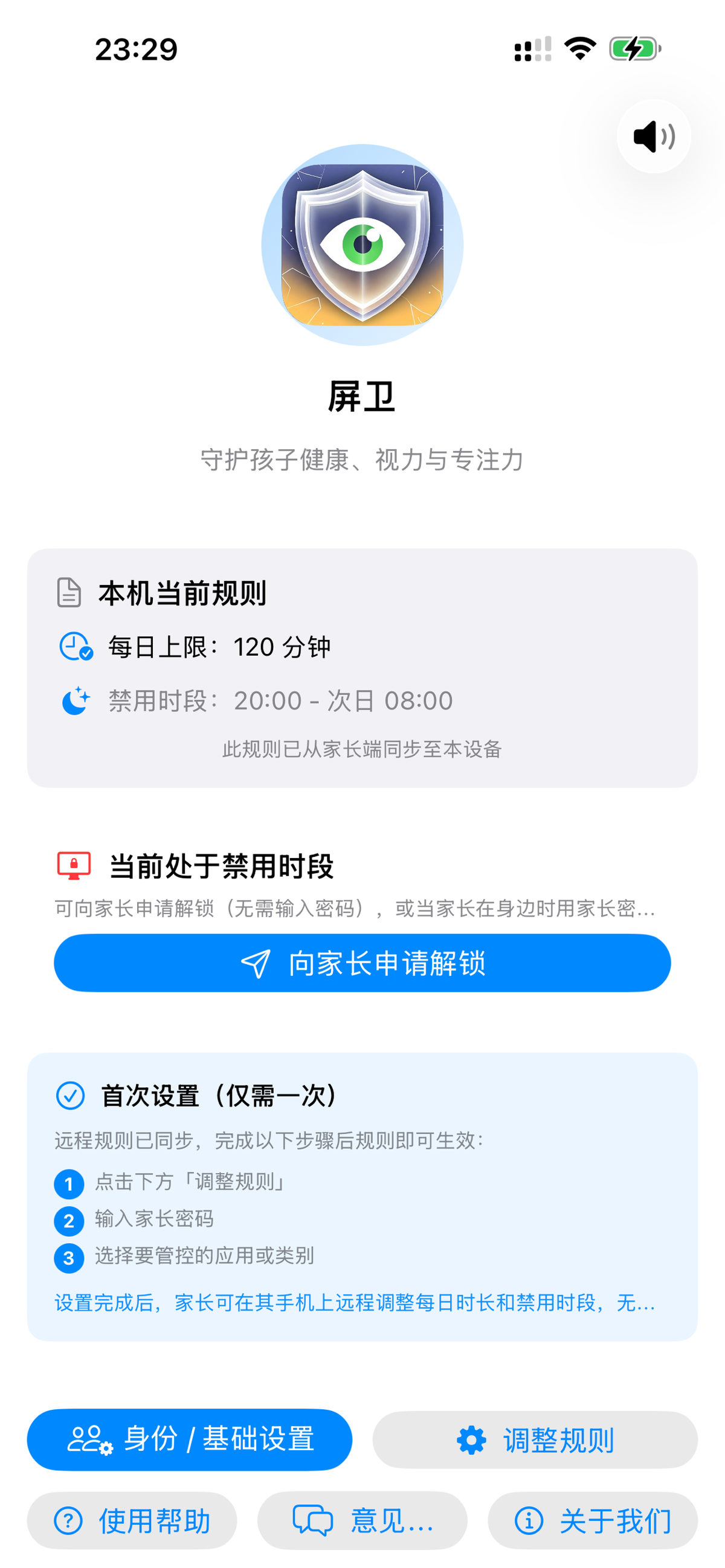
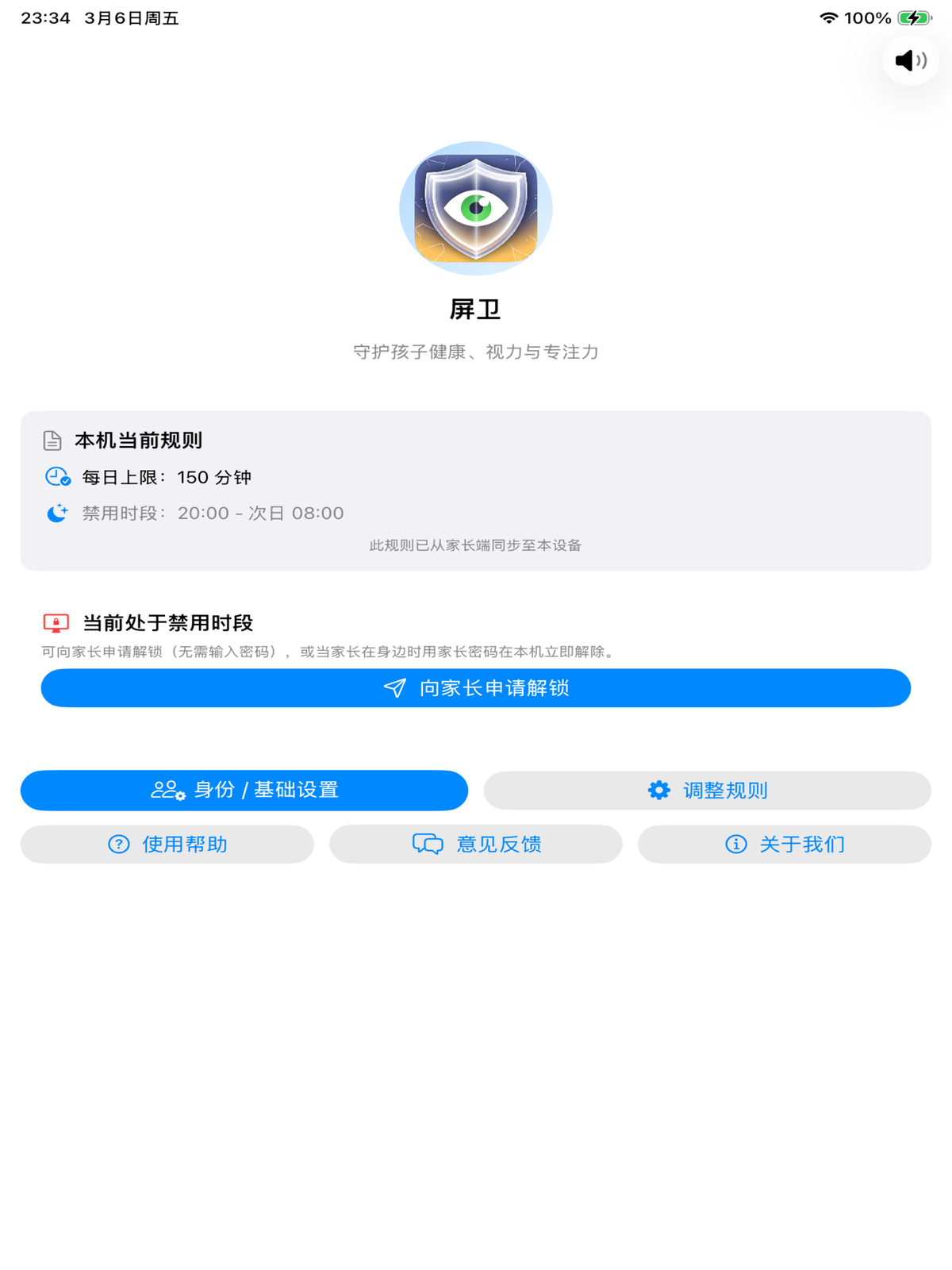
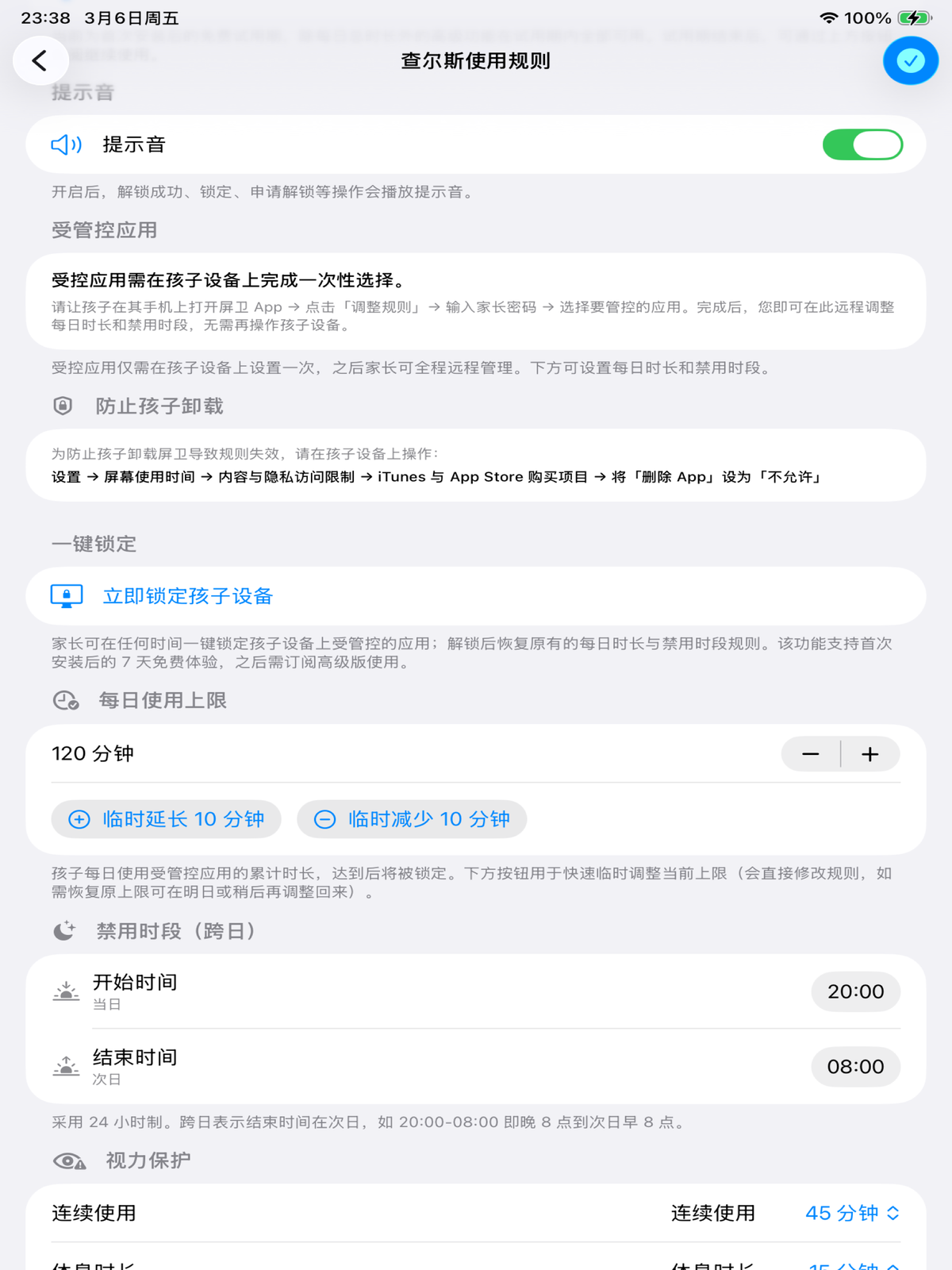
Rules Setup
Who It's For
- Parents who want to manage their children's iPhone / iPad screen time
- Self-disciplined users aiming to reduce time on social media, games, and videos
- Students and professionals needing help building focused work and study habits
Child Requests, Parent Approves (Free)
Child needs more time or an unlock? They send a request—parent approves or denies from their own device with a password. Full parental oversight, safe and controlled.
Daily Usage Limits (Free)
Set a daily limit (e.g., 1 hour) for yourself or your child. Works with Screen Time to monitor restricted apps all day. When used up, the request-and-approve flow kicks in—no hard cutoffs.
In-App Remote Lock (Free)
Tap the red Lock button next to a child's device on the parent's home screen to instantly lock and block restricted apps. Lock and unlock paths are clear and reliable.
Blocked Periods (Premium)
Set fixed hours (e.g., 10 PM – 7 AM) to automatically restrict apps during bedtime or study time.
Remote Management (Premium)
Configure policies, review unlock requests, and monitor status from the parent's device—child devices sync automatically.
Subscription
Free includes daily usage limits, child requests & parent confirmation, in-app remote lock/unlock.
Premium (Subscription) unlocks Blocked Periods, Remote Management, and future Usage Reports. Purchase in-app, monthly or yearly; yearly includes a 7-day free trial. Manage or cancel anytime in iPhone Settings > Apple ID > Subscriptions.
For auto-renewable subscriptions, in addition to our Terms of Use, Apple's standard EULA applies. See our Privacy Policy.
Privacy & Security
This app works with Screen Time and Family Sharing. No personal data unrelated to the service is collected. Policies and approvals stay within your family group, complying with Apple's privacy and review guidelines.
Getting Started
Enable Screen Time on iPhone / iPad and (for managing a child's device) complete Family Sharing and Screen Time API authorization. The child installs Screen Guardian and joins a family; the parent creates the family and invites the child's device with a family code.
To manage screen time more easily and find balance between control and trust, download Screen Guardian.
